Visual AI agent builder with multi-agent orchestration and observability
AgentRow covers the full lifecycle: design agents as executable graphs, orchestrate app flows, connect tools and knowledge, test behaviour, run in production, and improve reliability from traces and analytics.
The questions teams ask before they trust an agent
What is LLM observability?
LLM observability is the ability to see exactly what an AI application did on every request: the prompt that was sent, the tokens and cost, the tools that were called with their inputs and outputs, the documents retrieved, and where time or money went. Without it, an agent that answers wrongly is a black box. With it, every failure has a step, a prompt and a cause.
How AgentRow does it
Every message creates a run, and the run records one step per workflow node, every model call with the exact messages sent and the response, every tool call with input, output, timing and errors, every retrieval with the candidates and the chunks that made it into the prompt, memory reads and writes, and token usage with cost. The same trace is visible in the builder's test chat while you iterate and in the Logs view in production, with a per-conversation storage figure so growth is never a surprise.
Multi-agent orchestration means one entry point decides which specialised agent handles a request, passes it the conversation and the user's context, and returns a single answer. It replaces one over-loaded prompt with several focused agents, each with its own tools, knowledge and instructions, coordinated by an explicit control flow rather than by hope.
How AgentRow does it
An app attaches one or more agents. The app's own graph runs a router that selects the agent for each message from the agents' descriptions and roles, runs that agent's published workflow as a nested run, and finishes at Chat (out), which screens the answer with the app's own output rules and streams it to the chat surface. Nested runs are logged with the same detail as the parent, so orchestration is never a place where visibility stops.
What is RAG for AI agents, and how do you add a knowledge base?
Retrieval-augmented generation (RAG) gives a model your documents at answer time: the question is embedded, the most relevant chunks of your content are retrieved, and they are placed in the prompt so the answer is grounded in your data instead of the model's memory. It is how an agent answers from a product manual, a policy or an internal wiki without retraining anything.
How AgentRow does it
Create a knowledge base, add documents, build an index (chunk size and overlap are settings), and test retrieval with real questions before attaching the base to an agent. The knowledge retrieval node runs keyword and vector search together, fuses the results with reciprocal rank fusion, optionally reranks them, keeps the top results within a token budget, and can cite them in the answer. Every retrieval is logged, including what was trimmed and why.
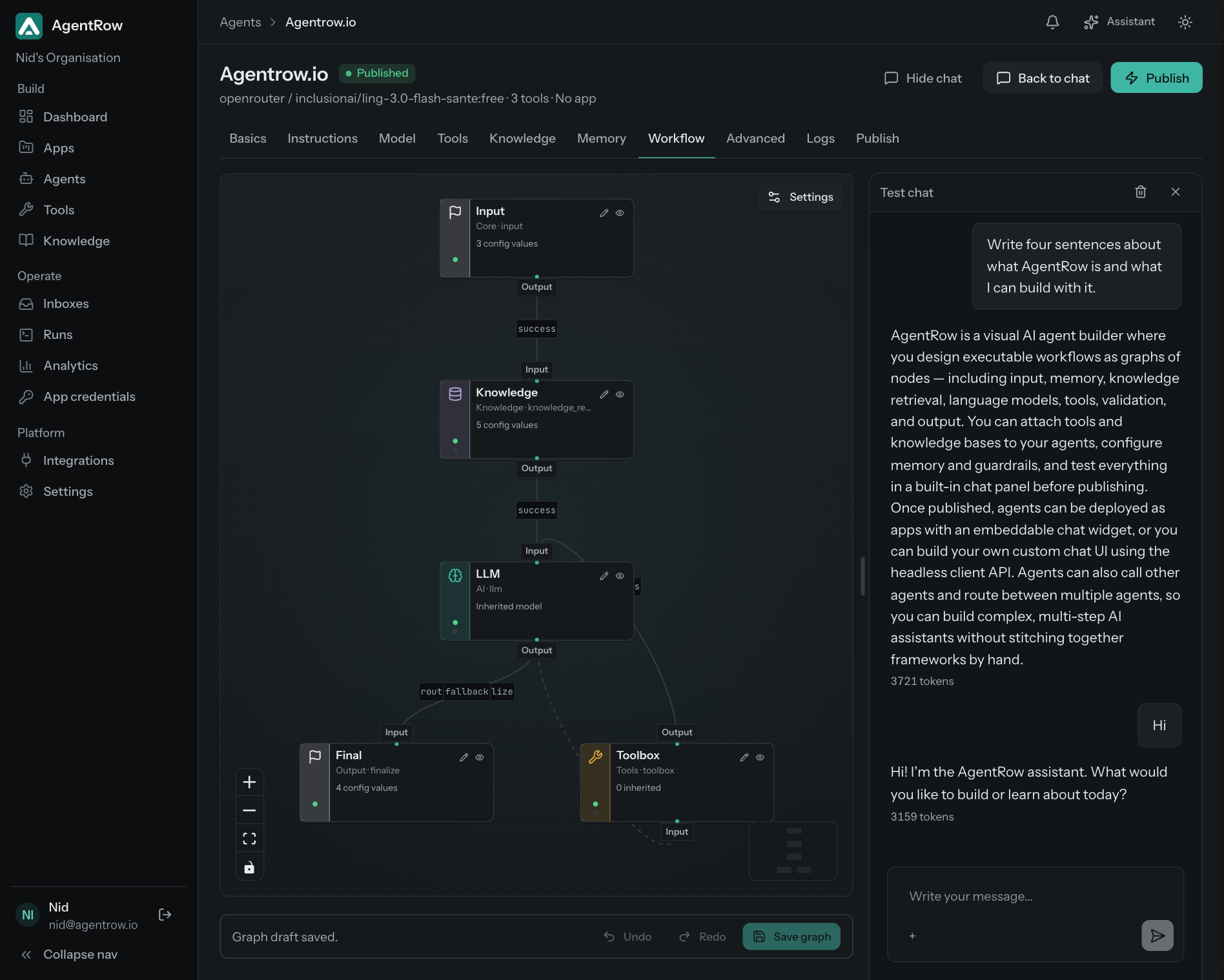
A visual AI agent builder lets you define an agent as a diagram of steps, the workflow graph, instead of code alone: which node reads memory, which retrieves knowledge, which calls the model, which runs tools, how they loop and where the answer leaves.
How AgentRow does it
In AgentRow the diagram is not a sketch of the code; it is the executable graph the runtime walks, in that order, with every node's settings explicit and validated the same way in the dashboard and the runtime. Drafts run in the test chat, published versions run for end users, and earlier versions can be restored.
A hand-off is the moment the assistant stops answering and a person takes over the same conversation: the customer asked for someone, a decision needs a human, or the assistant could not answer. Done well, the customer stays in the same chat and the team sees why the agent handed over.
How AgentRow does it
In AgentRow a support app attaches a Support hand-off node to its Agent node. You write, in plain language, when the agent should hand off and how it should reply when it does; the agent gets a built-in hand-off tool with those instructions. When it calls the tool the conversation moves to your team's inbox with the agent's reason and summary, replies reach the customer under the team member's name, and the hand-off is a tool call in the run trace.
How does one agent app answer on Slack, webhooks and your website?
A channel is where a turn enters and where the answer leaves. Instead of building one bot per surface, one published app graph serves the chat widget, the end-user API, a Slack bot people DM or mention, signed webhooks from other systems and server calls from your backend, and can post every answer to your own endpoint.
How AgentRow does it
In AgentRow channels are nodes. Slack (in) and Webhook (in) sit before Chat (in), which stays the one place for context and input rules; Slack (out) and Webhook (out) hang off Chat (out), which screens every answer. Each delivery is its own step in the run trace with a named error when it fails, so where a turn came from and where the answer went are on the record.
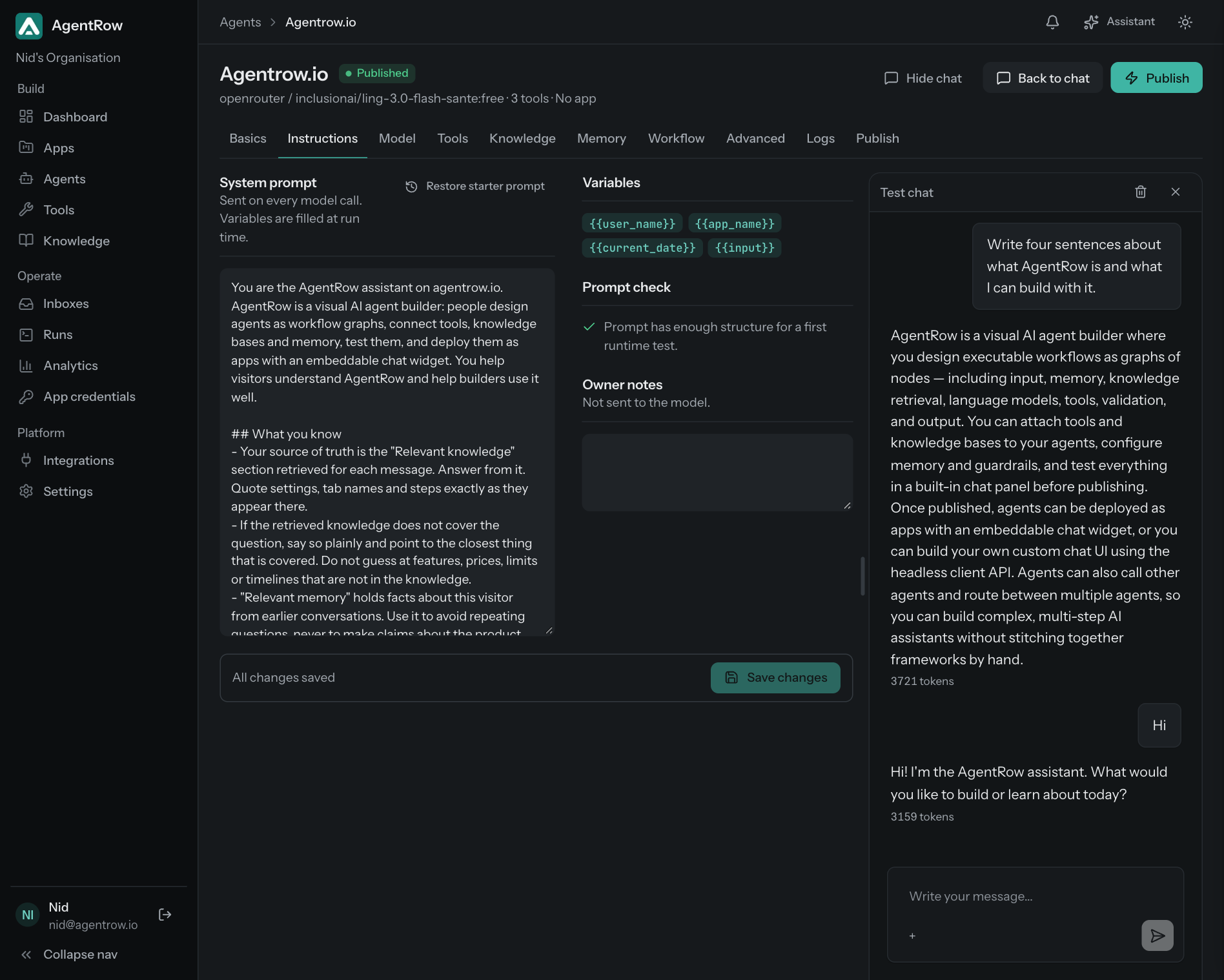
Compose instructions, models, tools, memory, guardrails, and runtime settings without hiding developer-level control.
App-level multi-agent orchestration
Design apps where multiple agents can route, collaborate, hand off work, and execute workflow steps together.
Tool/API integrations
Connect custom APIs, webhooks, databases, internal services, and typed actions your agents can call safely.
Knowledge base and RAG
Build toward grounded responses with documents, knowledge collections, retrieval policies, and source-aware workflows.
Test chat and conversations
Validate real runtime behavior with persistent chats, run history, inputs, outputs, and debugging context.
Channels
One app graph on the chat widget, the end-user API, a Slack bot, signed webhooks in and out, and server runs, each an explicit node.
Logs, traces, tool calls
Inspect the execution timeline, model calls, tool inputs, tool outputs, errors, latency, and final response.
Usage and cost analytics
Understand model usage, token volume, latency, cost, and performance trends across apps, teams, and users.
Support inbox and human hand-off
Support apps let the agent hand a conversation to your team; Open and Resolved inboxes, replies by name, every hand-off in the trace.
Designed for serious builders
AgentRow avoids the gap between demos and deployed systems by making runtime behavior visible and keeping operational controls close to the builder experience.
Versioned app architecture for iterative releases.
Team-ready controls for secrets, approvals, and API access.
Observability foundation for debugging real user interactions.